
How to Log In to an Onet.pl Mailbox: Browser, Mail App and First Steps
October 16, 2026
BuyOnetMail Support Desk· Customer support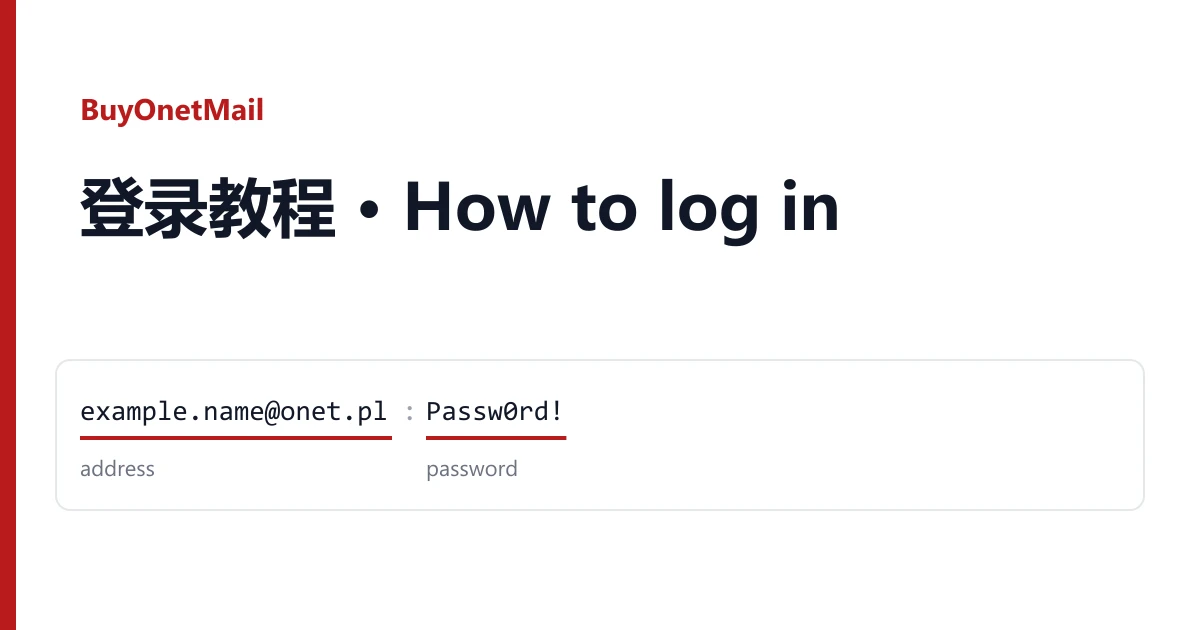
An onet.pl mailbox reaches you as two pieces of text: an address and a password. There are two ways in with them. The first, in a web browser at poczta.onet.pl, is the one every listing on BuyOnetMail is sold for. The second, a mail app on your phone or computer, may also work but is not promised by any listing. This guide walks through both, then shows how to make the mailbox yours.
Before you start: read your line
Open your order page and find the delivered lines, one per mailbox. Each line holds two fields and nothing else:
example.name@onet.pl	Passw0rd!
address                 password
Most lines separate the two with a tab, a few with a run of spaces. On screen both look like a gap, so copy the address and the password one at a time rather than the whole line. Some listings deliver an @op.pl address instead of @onet.pl. That is the same Onet mail service under an older domain, and it signs in at the same page.
Passwords on these listings often contain a symbol such as @ or #. That symbol belongs to the password, not to the address.
Route one: the browser
- Open poczta.onet.pl. If a cookie notice in Polish appears first, accept or adjust it to reach the form.
- Type the full address, including
@onet.plor@op.pl, into the first field. - Paste the password. Check there is no space at either end.
- Press the sign-in button (Zaloguj się). The inbox opens under Odebrane.
On listings marked number verified, the mailbox was confirmed with a Polish phone number when it was registered. That number does not come with it. If Onet ever sends a code there, you will not see it, which is why the first sign-in and any changes should happen within the warranty window.
Polish words you will meet
| On screen | Meaning |
|---|---|
| Zaloguj się | Sign in |
| Odebrane | Inbox |
| Wysłane | Sent |
| Spam / Kosz | Spam / Trash |
| Ustawienia | Settings |
| Zmień hasło | Change password |
| Wyloguj | Sign out |
A browser's built-in translation handles the rest of the settings pages.
Route two: a mail app
Onet has its own Onet Poczta app for phones. It takes the same address and password as the web page, so if the browser route works, the app usually does too.
Other mail programs, such as Thunderbird, Outlook or the mail app built into your phone, connect over IMAP or POP3. Onet keeps that access switched off until the mailbox owner turns it on in the web settings, in the part about mail programs. Once it is on, these are the servers to enter:
| Purpose | Server | Port and security |
|---|---|---|
| Incoming, IMAP | imap.poczta.onet.pl | 993, SSL |
| Incoming, POP3 | pop3.poczta.onet.pl | 995, SSL |
| Outgoing, SMTP | smtp.poczta.onet.pl | 465, SSL |
The user name is the full address and the password is the delivered one (or your new one once you have changed it). Keep in mind that no listing here sells IMAP or POP3 access. If Onet will not switch it on for a mailbox, that mailbox is still working as sold, as long as it opens in the browser.
Make it yours
On the first browser sign-in, go to Ustawienia and do two things:
- Change the password with Zmień hasło, to one only you know. Write it down next to the address.
- Add a recovery email of your own, so a reset link reaches you rather than the original registration.
If you bought a used mailbox (listings such as 2023-2025 Used), older mail may still be in it. Delete what you do not need; nothing in it was written for you.
If it does not open
"Wrong password" in the browser. Copy the password again on its own; a tab or space from the line is the usual cause. Try once or twice, not ten times, because repeated failures make Onet stricter.
Onet asks for a phone code or another check. Do not keep retrying. Take a screenshot of the screen.
The mailbox says it is blocked. Take a screenshot as well.
In each case, open a ticket from your order page within the warranty window shown on the listing. Say which address failed and attach the screenshot. You receive another mailbox from the same listing, or a refund if that listing has run out. Signing in never voids the warranty; the one thing it does not cover is a block caused by bulk or automated activity, such as mass mailing or scripted logins.
Need more mailboxes, or a different age? The full list is in the catalogue.